
The Persistent "Phantom": Removing the Adobe Genuine Service Nuisance
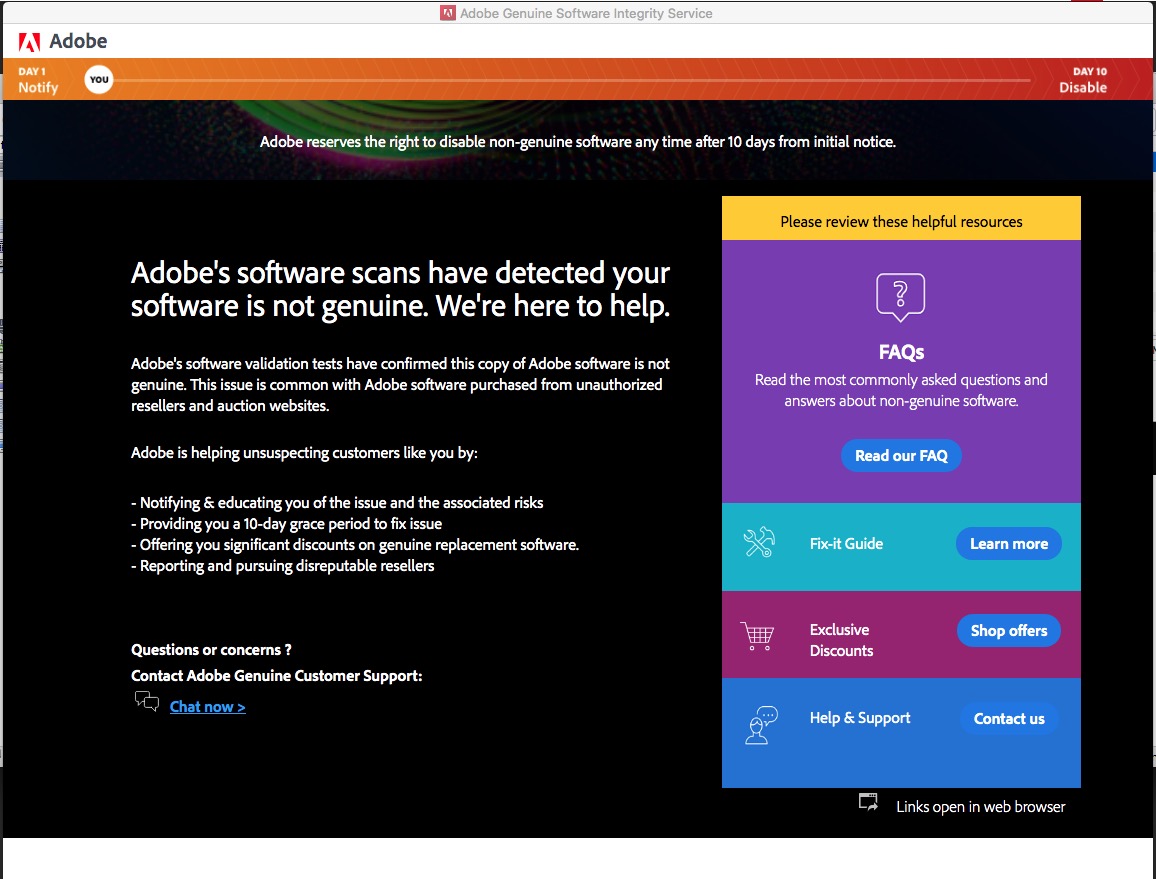
For many Windows users, a mysterious pop-up has started appearing: "The Adobe software you are using is not genuine." The strangest part? Many of these users don't even have Adobe apps installed.
The "Plug & Play" Community Fix
We’ve seen the community struggle with complex registry edits, so we’ve simplified the process. If you want to rid your system of this "unremovable" service, follow our easy guide:
Step 1: Download the Official Adobe Cleaner Tool. While it's an official tool, it’s the only way to deep-clean the residual files.
Step 2: Run as Admin and select "Adobe Genuine Service" to purge. If you are an IT pro managing multiple machines, you can also use our quick CMD snippet:
sc stop "AGSService"
sc delete "AGSService"
rmdir /s /q "C:\Program Files (x86)\Common Files\Adobe\AdobeGCClient"
We hope this helps clear the clutter from your machines. Stay tuned as we continue to monitor these "phantom" services.


0 Comments